Hot Plate User Manual
Contents
- Description
- Key Features
- Operating Steps
- 3.1 Connection
- 3.2 Main Screen
- 3.3 Setting Screen
- 3.4 Start Screen
- 3.5 History Screen
Description
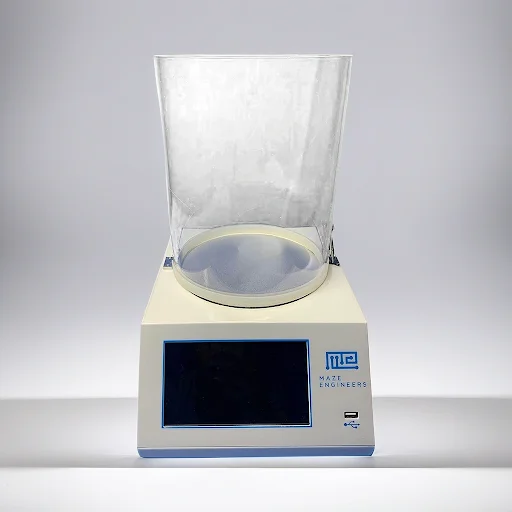
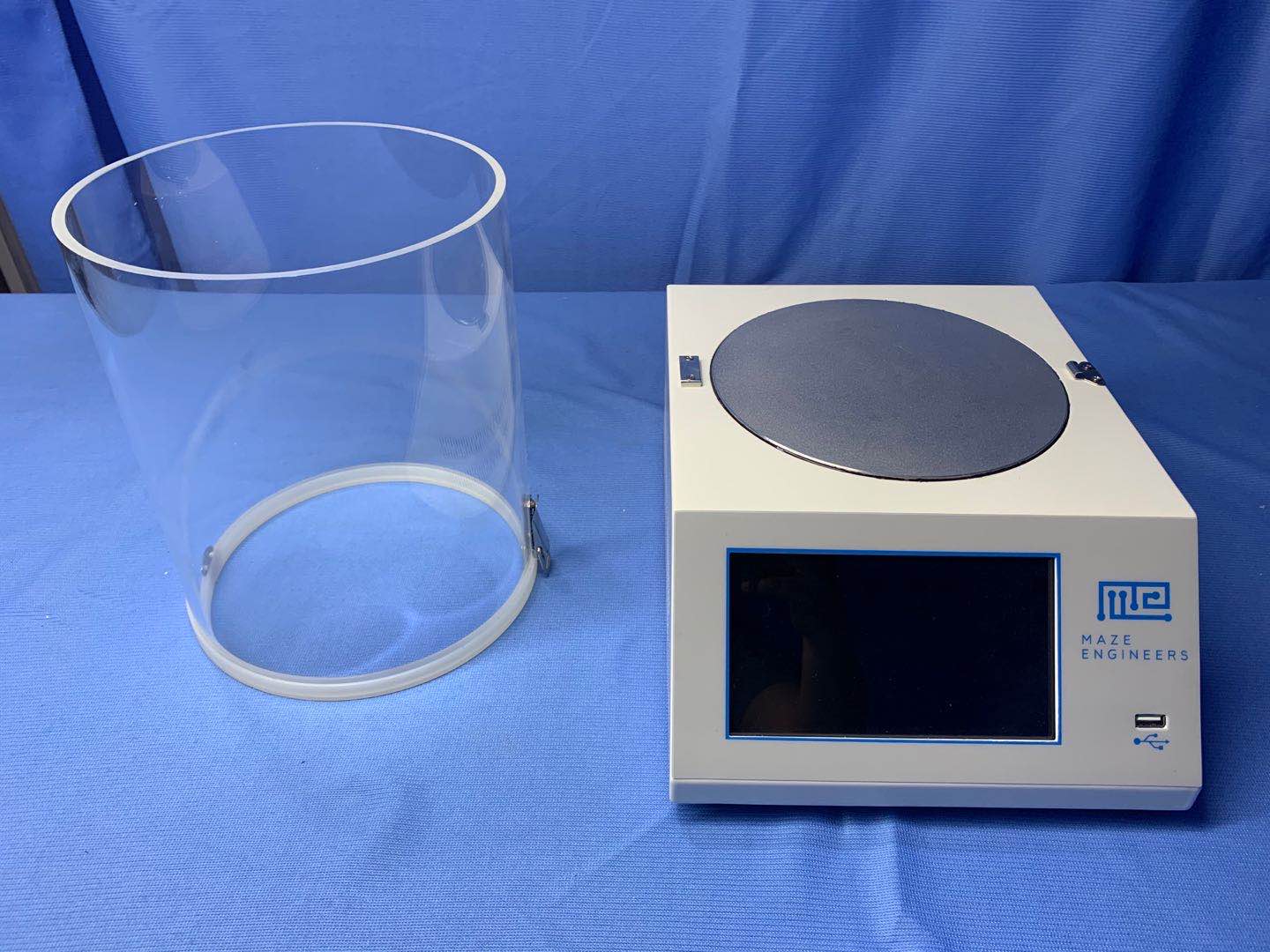
The hot plate test is a gold standard thermal pain test in rodents and serves as a useful screening tool for interventions of analgesia. Placing a mouse or rat into a chamber with a heated floor with surrounding clear acrylic walls.
Key Features
- Touch screen: High responsive capacitive touch screen 16 x 12 cm
- Temperature range: Room temperature to 65℃ with 0.01℃ precision
- Time precision: Within 0.01 second precision
- Data: Store 100 groups, each group containing 20 data points
- Data Export: Via USB drive to CSV data format
- Dimension: Cylinder interior diameter 20 cm and height 25 cm; device 25 x 33 x 12.5 cm (width x depth x height)
Operating Steps
Connection
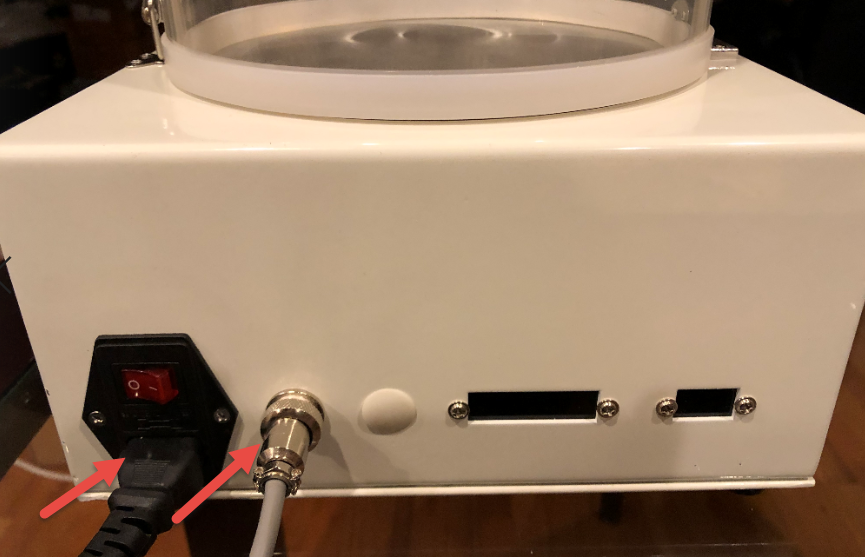
Connect to foot switch and power source:
Main Screen
The main screen is shown below when power is on:
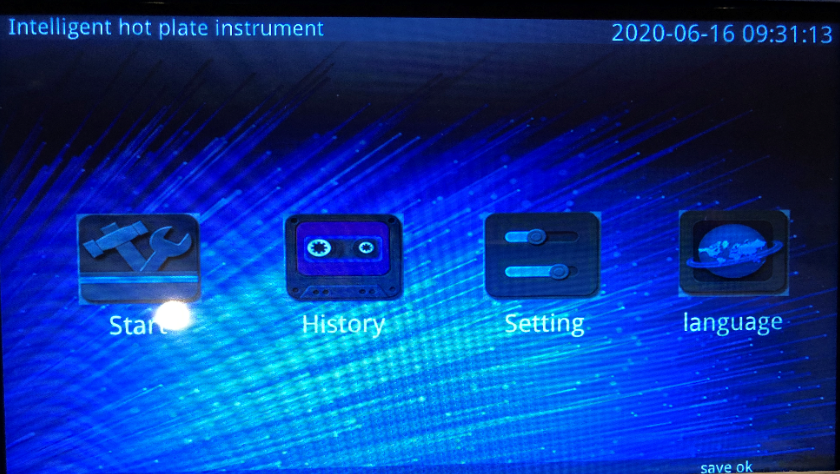
Date time setting - Press the date time field for about 3 seconds and the field becomes editable. Enter your local date time.
Setting Screen
Press Setting on the main screen to enter the setting screen:
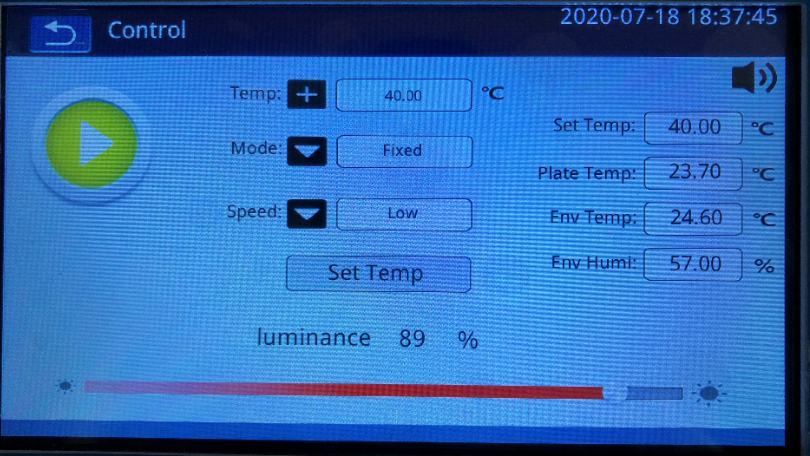
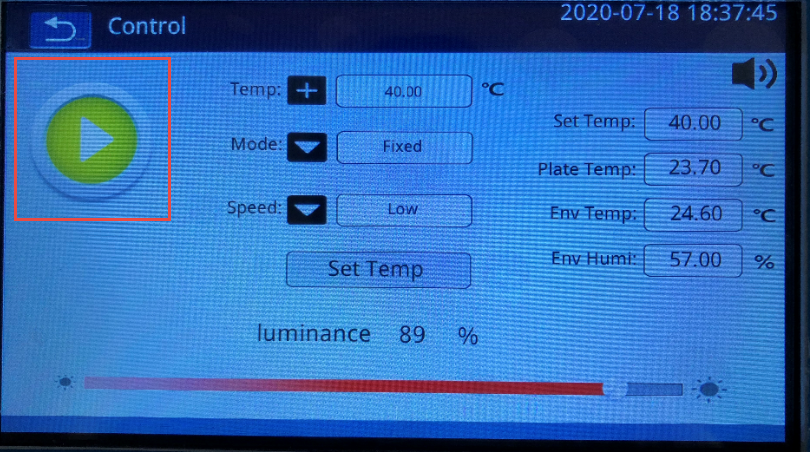
- The button is an indicator that the system is in setting state:
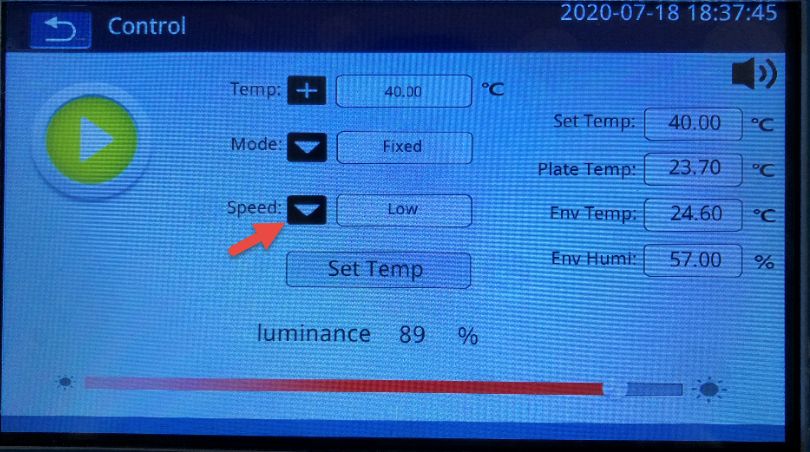
- Speed is a combo field of Steady-High-Low, indicating the temperature acceleration rate. For example, High indicates plate is heated in the high speed.
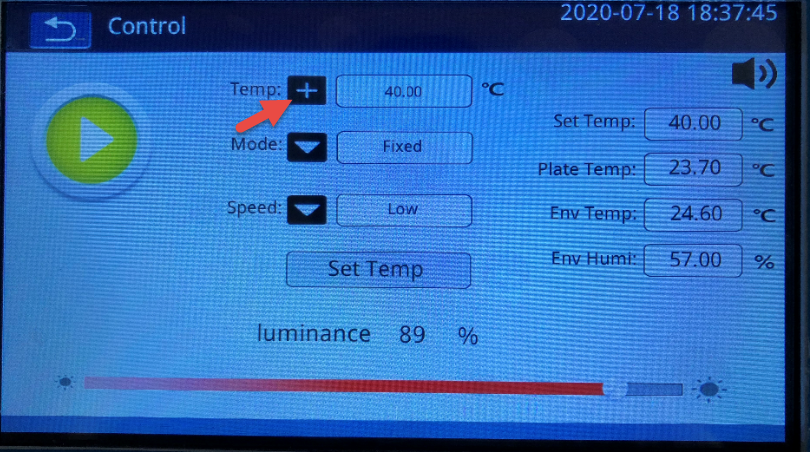
- Click the temperature + button and enter the target level. Then press button Set Temp.
The mode is default to Fixed.
- Temperature display
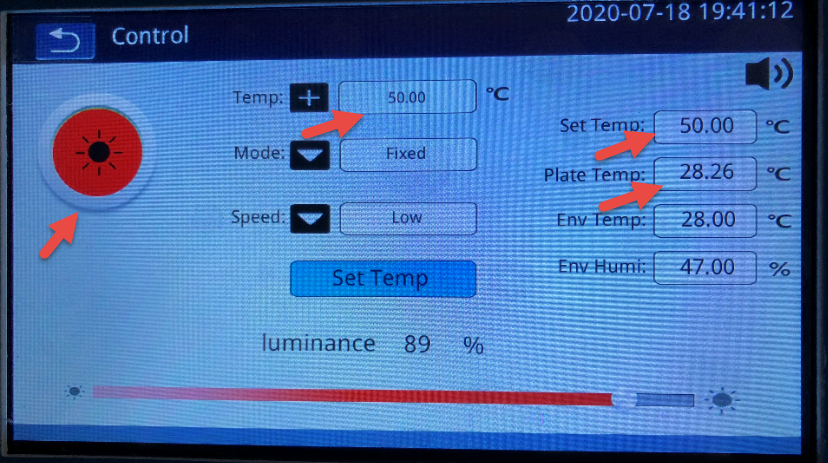
After a temperature, say 50, is entered, and Set Temp button is pressed, the Set Temp field displays the target temperature and the current state becomes Heating. Plate Temp displays the current temperature of the hot plate.
Start Screen
After Setting is complete, navigate back to Main Screen and then to Start Screen.
Enter an experiment name and click start.
Press foot switch once to start counting; press foot switch once again to stop counting.
Press Stop to save the data.
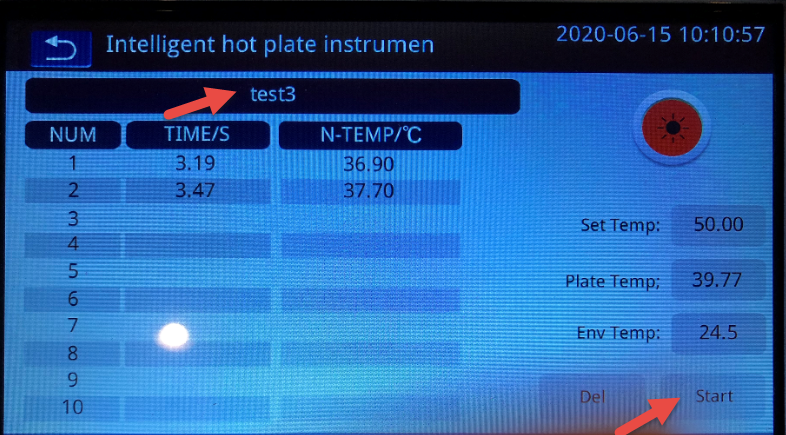
Two examples of experiment:
-
Wait for the plate to reach the target temperature, place animal one by one to observe the pain reaction and duration. For a group of up to 10 animals, press Start button to start the experiment. Then place each animal on the heated hot plate, press foot switch to start counting; then press foot switch to stop counting. After all animals are tested, press Stop button.
-
Place the animal in the heated hot plate and observe the animal behavior. Press the foot switch. If the animal reaches the pain threshold, press foot switch to stop counting (Temperature is recorded as well) and then press Stop button. Once Stop button is pressed, the result is recorded. This way, the max tolerance of the heated pain can be measured.
History Screen
Go to History screen from the Main Screen:
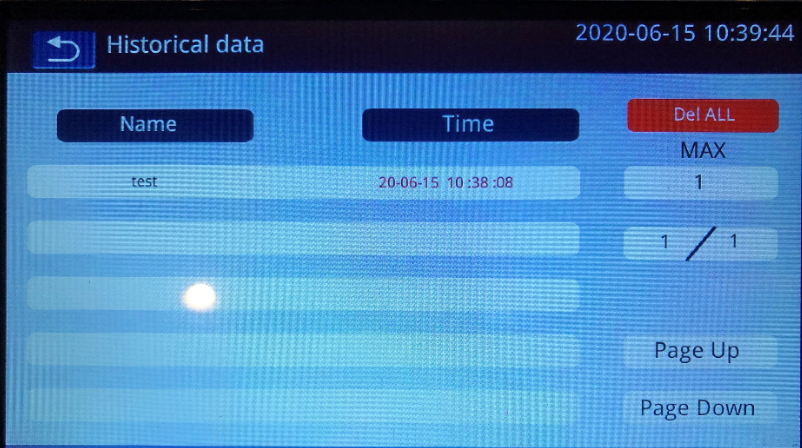
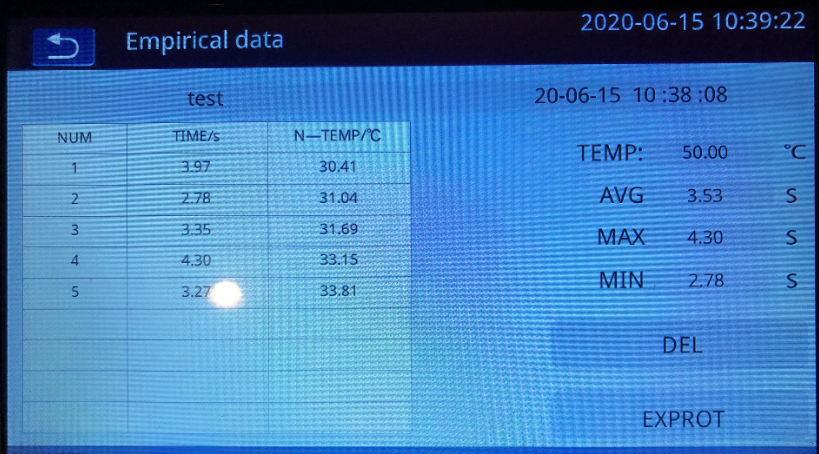
Press the data group and the data set details are shown. Press Export to export the data to USB drive (make sure you insert the USB drive).