Plantar Test Specification
Description
Thermal withdrawal latency was first described by Hargreaves et al (1988). It is a widely used test for thermal stimuli response. In this procedure, a rodent hind paw is exposed to a beam of radiant heat through a transparent glass surface using the plantar analgesia meter. The latency to withdrawal to the heat stimulus is recorded as the time for paw withdrawal in both injured and uninjured hind paws.
Key Components
Touch Screen
The screen is capacitive touch screen, able to achieve 99% accuracy, with a response speed of less than 3ms, smooth user experience, to meet user's operating habits of touch screen products.
The screen has the advantages of clear display, true color and high contrast. The interface design has a strong sense of hierarchy, reasonable layout and simple operation.
Light Power
The light power can be set to a range of 20w-100w with a step of adjustment 0.5w and with precise control of the illumination power through pulse width modulation.
A high-grade filter lens is used to partially absorb visible light while maximizing heat radiation. This is to achieve good experimental results and reduce the visual interference of glare to the experimenter.
Animal Enclosure
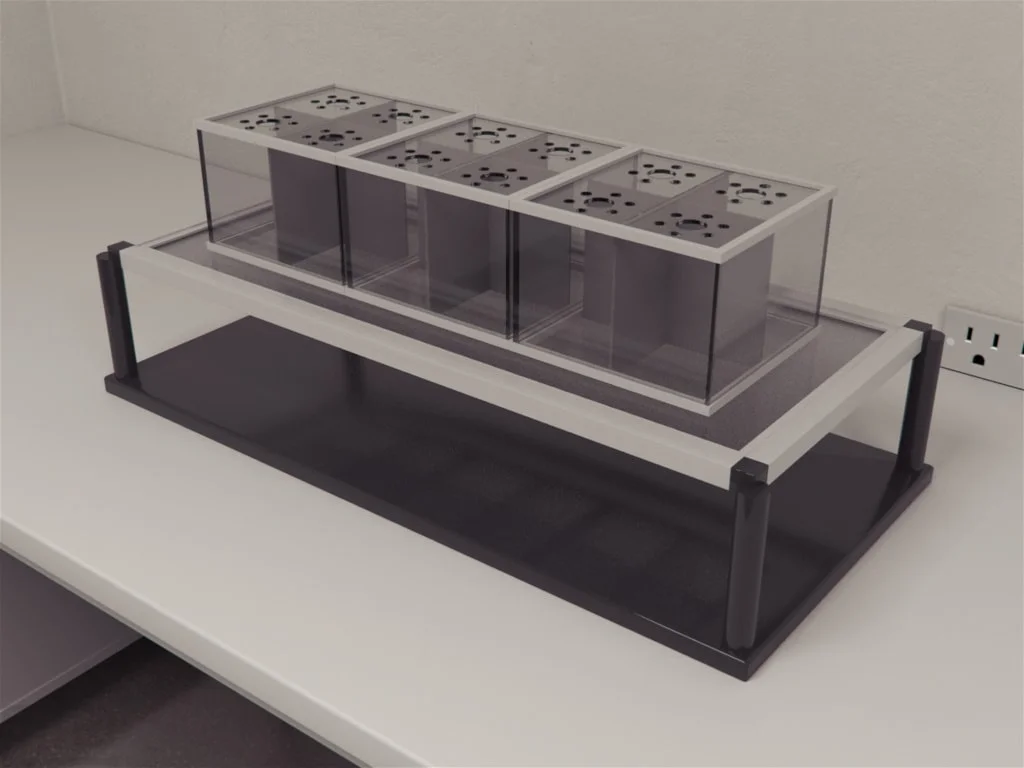
By default, chamber Table (2 sets) is included. See separate document for more details.
Data History and Upload
After the experiment, press Browse to navigate the experiment data. Use + and – to go to next or previous group. The device can save up to 200 groups of data.
The data can be uploaded via USB cable to computer.