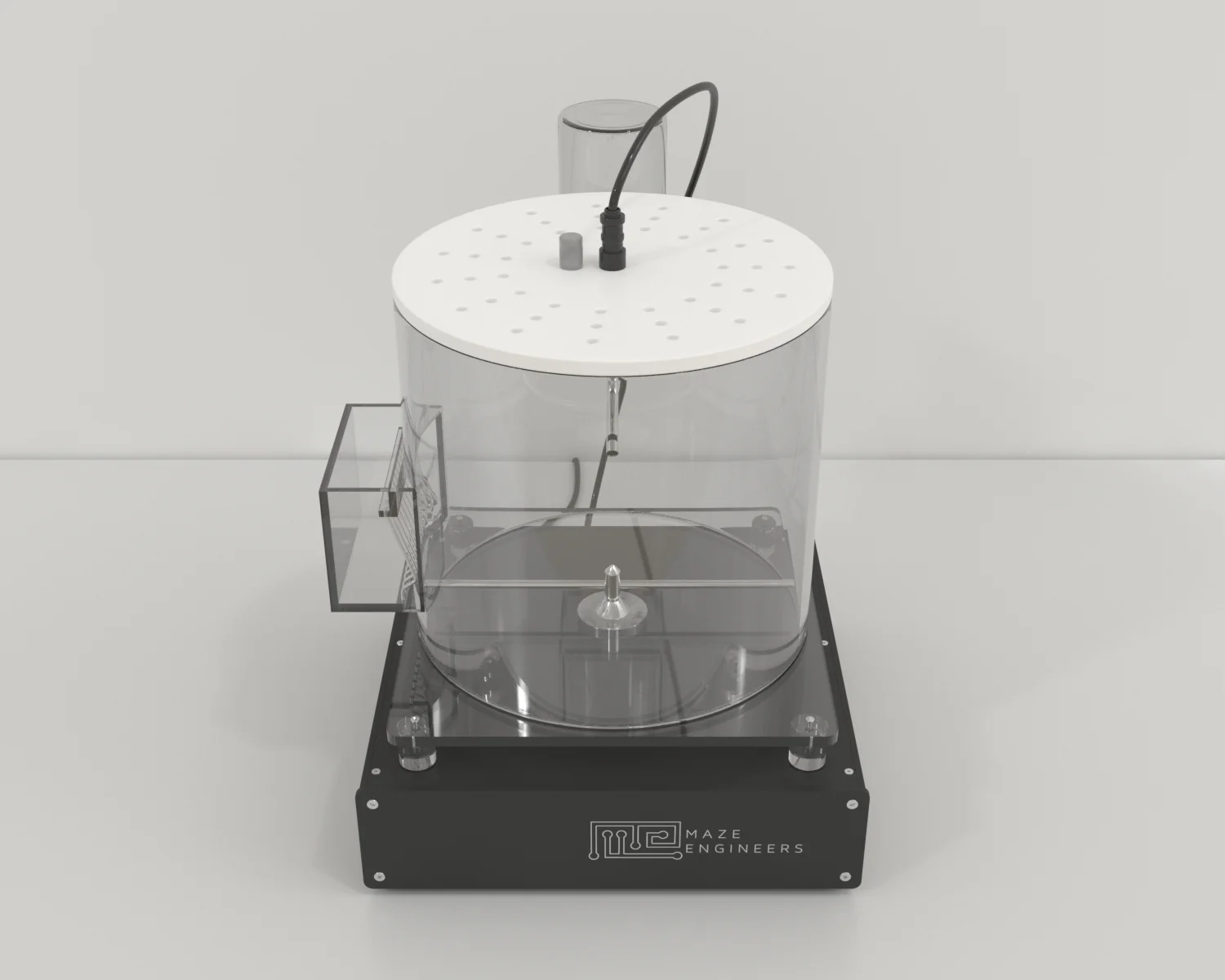
Sleep Deprivation Chamber User Manual
Contents
- Components
- Hardware Setup
- Adjust Rotation Bar Height
- Screen Operations
1. Components
- Acrylic cylinder
- Lid with light
- Electronic components
2. Hardware Setup
- Install food port and water bottle holder on the cylinder
- Place the cylinder on the top of the electronic box base
- Place the lid with light on if needed
- Connect light cable to the control box on the back
3. Adjust Rotation Bar Height
The height of each leg can be adjusted higher or lower by moving up or down on the steps
4. Screen Operations
4.1 Parameters
Total Time (H): total operation time in hours
Scheduled Start (Off, 0-23): the system will automatically start based on the schedule. For example, Scheduled Start=3 means that the system will automatically start at 3 am every day
Periodic Break (S): duration of the break after each rotation of the RotationTime(S) specified
RotationModel (CW, CCW, alternate, random): rotating patterns
RotationTime(S): Specify the duration of each rotating run before break
Wake Count: number of rotating runs (each having a duration of RotationTime(S) specified)
Run Time: Total session running time
4.2 Other Variables
Group: each run will generate a data set with a Group ID
Current Date Time: To change it, use key pad to tap on the field
Temp: current environment temperature
Hum: current environment humidity
4.3 Export Data
Use Browse button to navigate to the data set and then press Print button to export the data set to USB drive.
4.4 Day Light Control
The purpose of the day light control is to create a simulated day night environment if the apparatus is placed in the dark environment
Start Time (H) (Off, 0-23): If an hour 0-23 is specified, the light will automatically turn on at that hour
Day Light Dur (H): Indicates how many hours the light will be on if it turns on automatically
Manual Start: The button can turn on/off the light manually